
LabVIEW Software: Price, Free Download & Editions (2026)

Quick Answer
LabVIEW software is a graphical programming tool from National Instruments (NI, now part of Emerson) for measurement, test and automation. You download it from NI’s official site. A free Community Edition exists, but only for personal, non-commercial use. A company needs a paid Base, Full or Professional license. NI also offers a 7-day free trial of the latest version.
Search for “LabVIEW software” and you will mostly see NI’s pages and third-party download sites. None of them answers what engineers in India actually ask: which edition, is it really free, and what happens when I hand the finished program to a client? We build LabVIEW systems from Ahmedabad, so we hear these questions every week.
Checked against NI’s own pages in October 2026. Licensing terms change, so confirm with NI before you buy.
The Basics
What is LabVIEW software?
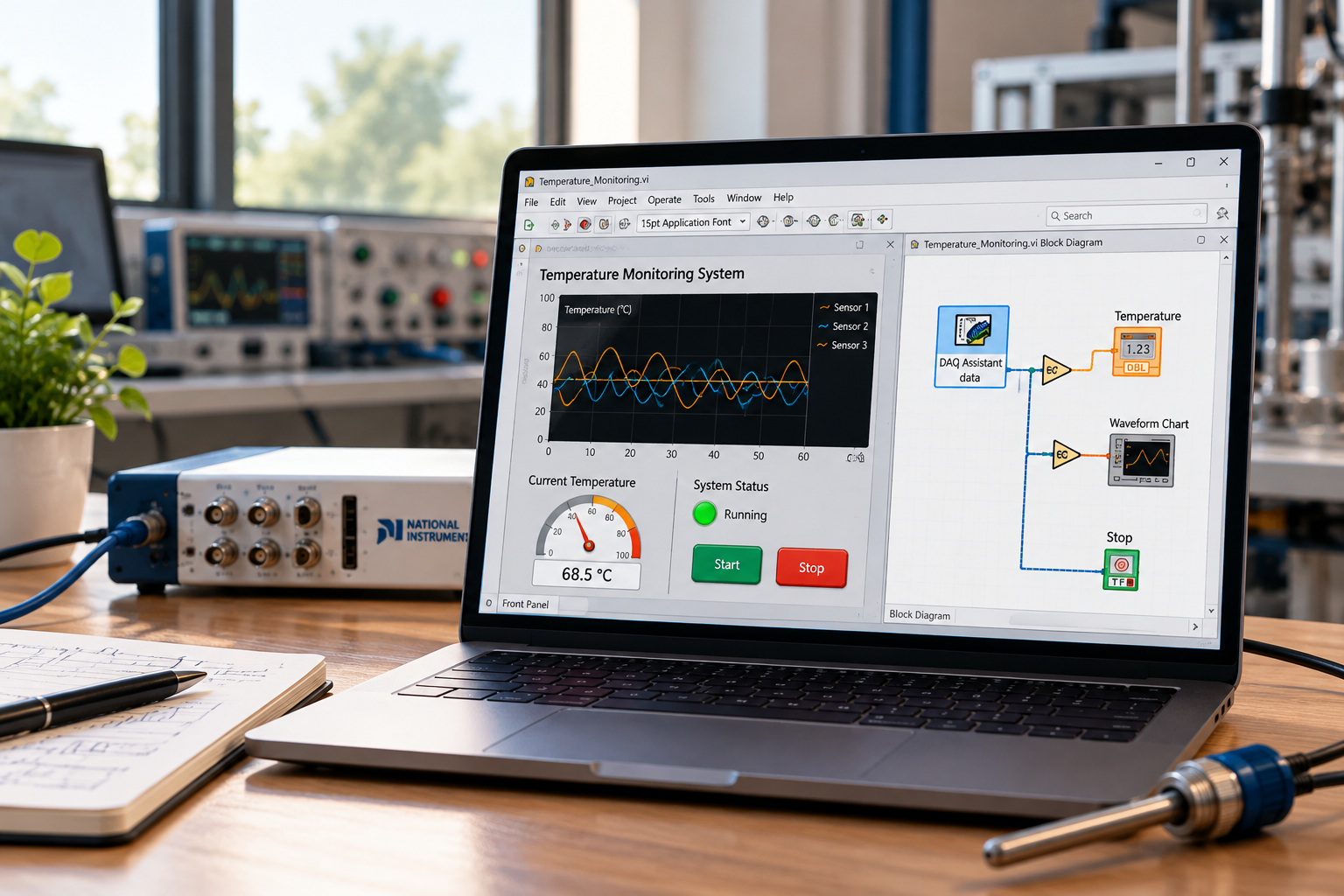
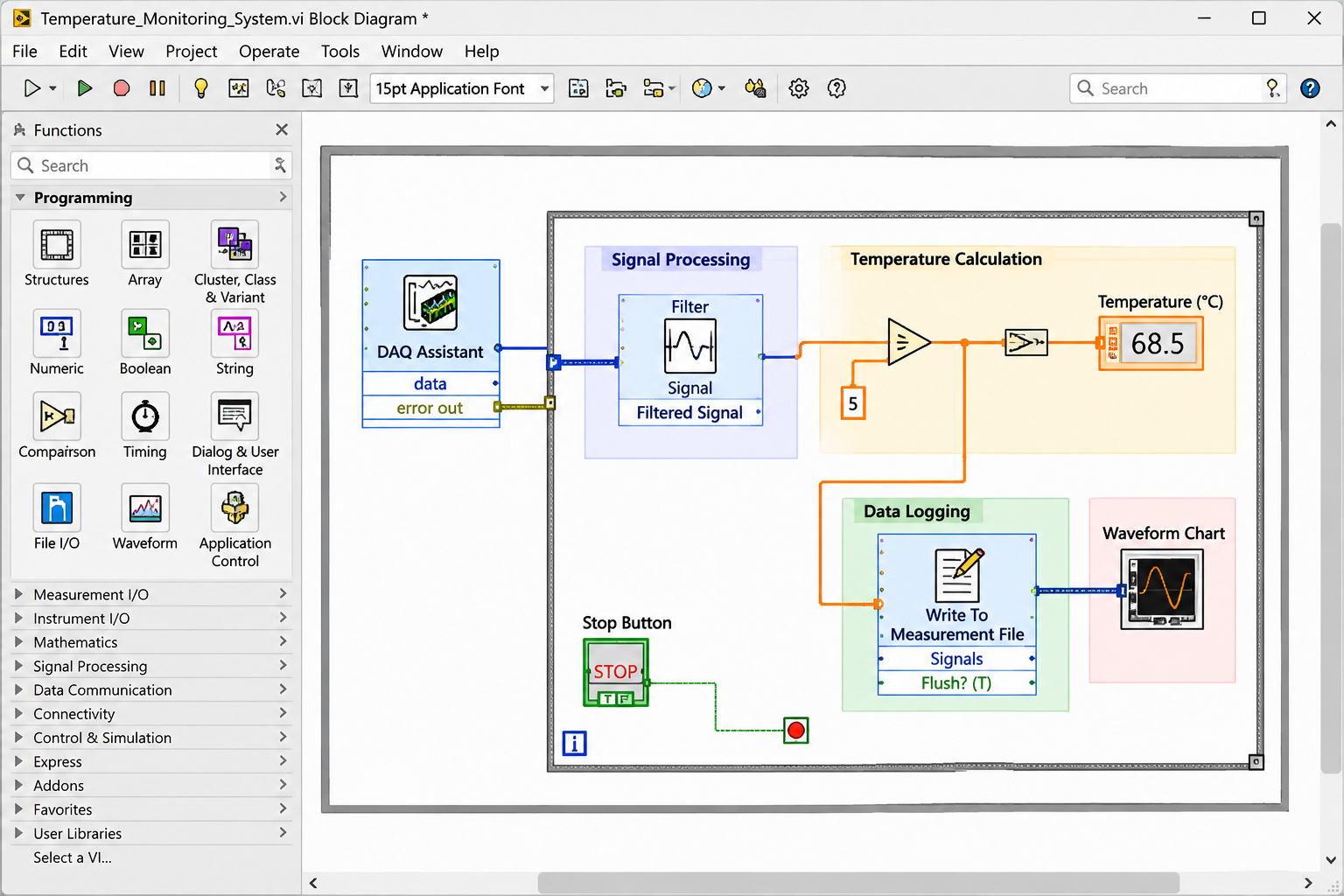
LabVIEW is a programming environment where you build a program by connecting blocks with wires instead of typing lines of code. NI calls the language G. It was made for engineers who read signals from sensors, control instruments, analyse the data and show the result on a screen.
A LabVIEW program looks like the block diagram you would draw on paper for the same job, so mechanical and electrical engineers often find it easier to follow than a page of text code.
What is LabVIEW software used for?
Editions
LabVIEW software editions: Base, Full, Professional and more
| Edition | Best for | What you get |
|---|---|---|
| Base | Simple desktop measurement applications | The standard LabVIEW functions |
| Full | Heavier analysis or signal processing | Base plus more functions and signal processing |
| Professional | Finished applications you hand over | Full plus Application Builder, software engineering tools, extra toolkits and NI’s Nigel AI assistant |
| LabVIEW+ Suite | Complete test systems | LabVIEW plus DIAdem, TestStand, FlexLogger, InstrumentStudio and more |
| Community | Personal learning and hobby projects | Free, personal and non-commercial use only |
The practical point most guides skip: if you want a finished program someone can double-click on the shop floor, you need the Application Builder, and it comes with Professional. For factory and client projects, Professional is usually the edition that makes sense. Base is fine for a single lab bench. Add-on modules such as Real-Time and FPGA are sold separately.
Free Options
Is LabVIEW software free?
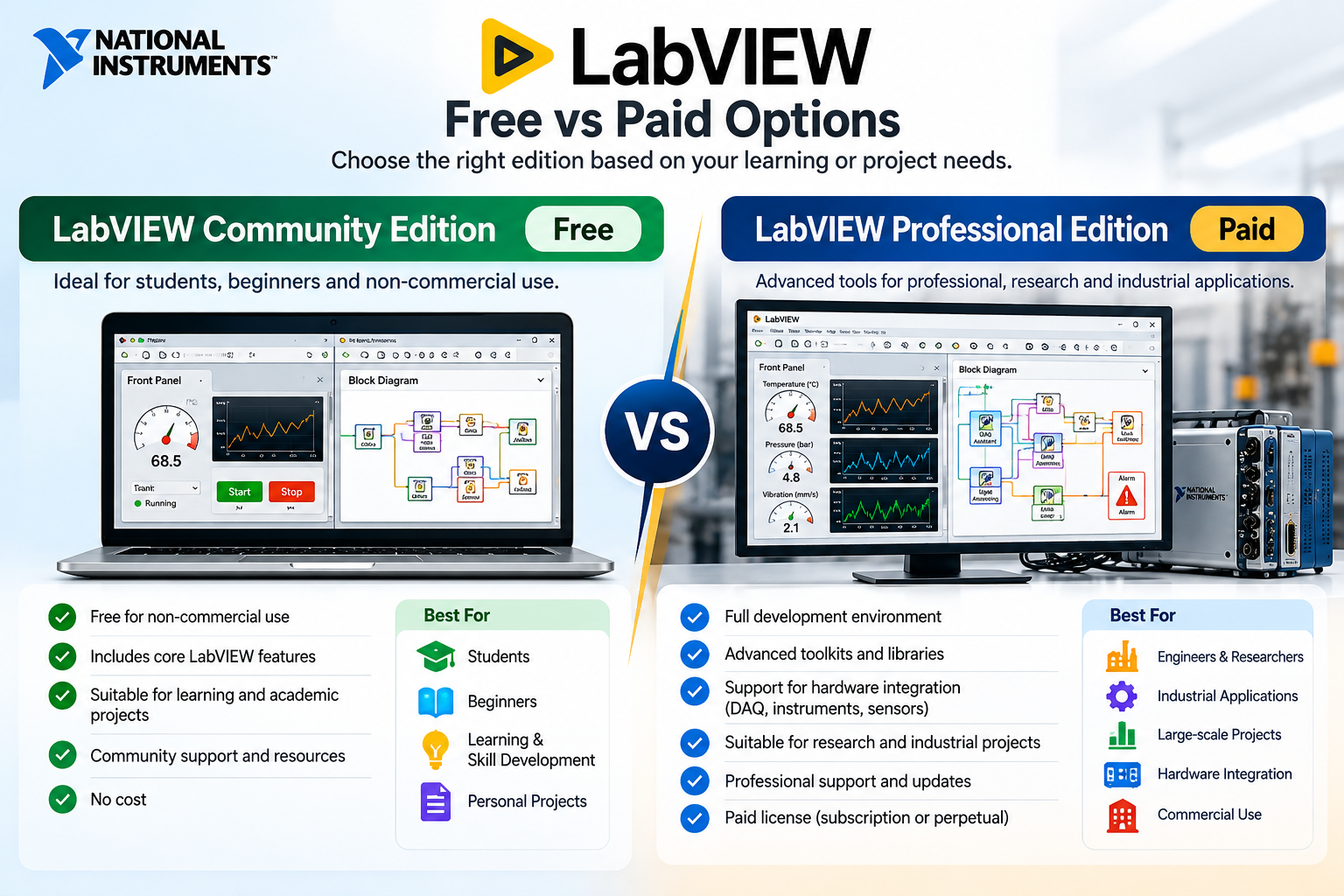
Partly. These are the free options that really exist:
- Community Edition: free for personal, non-commercial and non-industrial use. NI does not allow it for teaching or research at a degree-granting institution, so it is not for your company, client work or a college lab.
- 7-day trial of the latest version.
- LabVIEW Runtime Engine: a free download that runs finished LabVIEW executables on a PC without the development software.
- FlexLogger and InstrumentStudio: free interactive test software for NI DAQ and PXI hardware.
- Academic Volume License for universities.
A word on “free download” sites and cracked copies
One popular portal still lists version 2021, last updated in 2023, while NI lists 2026 releases. Cracked copies are worse: no updates, no support, a real malware risk, and if a product you sell is built on an unlicensed copy, you cannot defend it in an audit or a dispute with a client.
Download
LabVIEW software download: how to get the right version
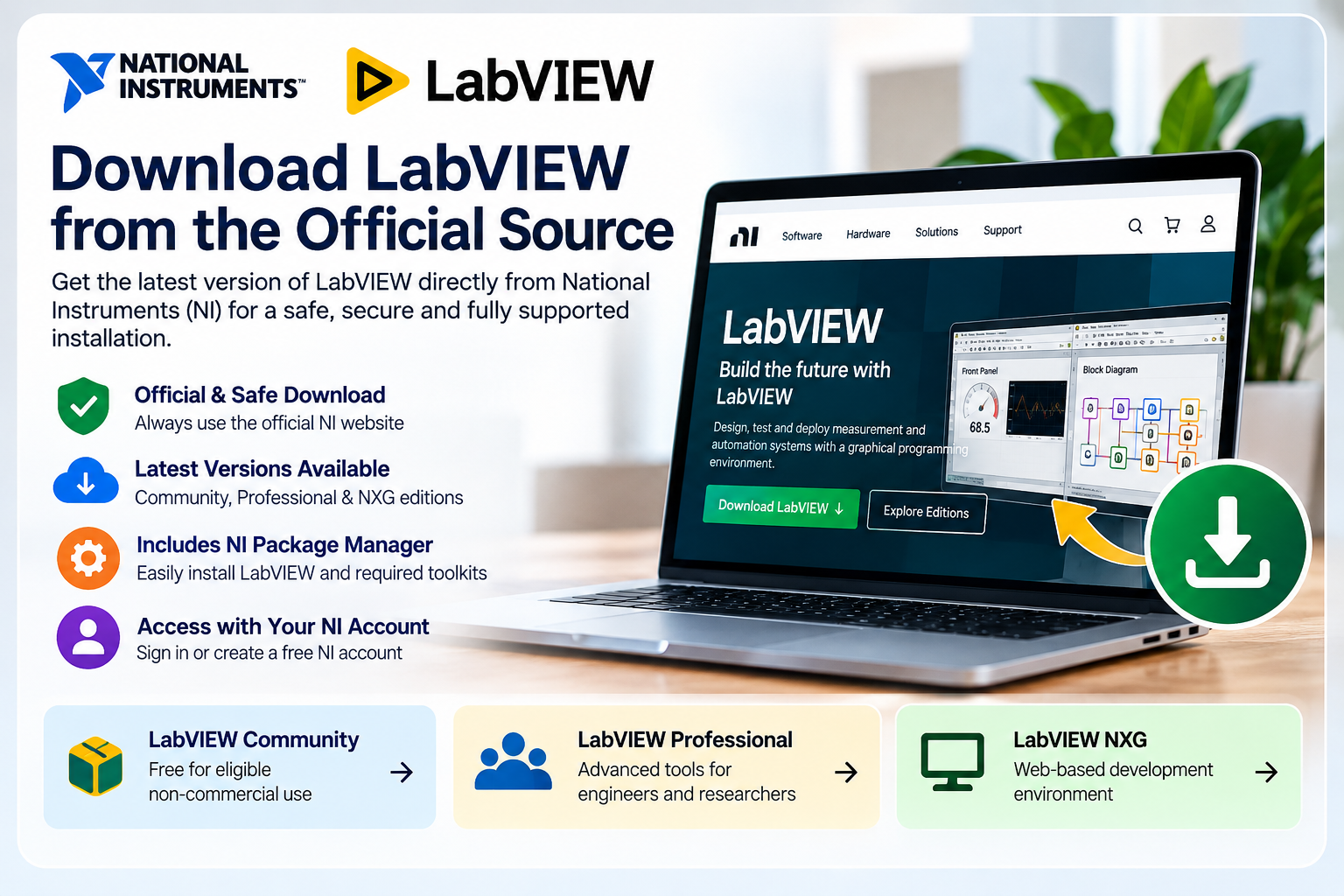
- Go to the official National Instruments LabVIEW software download page and sign in with a free NI account.
- Choose your operating system. Windows is the main platform and Linux is supported in current editions. macOS appears for some versions only, so check first.
- Pick the version. The newest listed is 2026 Q3, then 2026 Q1. Use the newest for new projects. Go older only if a driver, module or customer’s code needs it.
- Choose 64-bit unless a driver or old project forces 32-bit.
- Install the drivers separately. NI-DAQmx for NI acquisition devices, NI-VISA for USB, Ethernet, GPIB and serial instruments.
- Activate your license, or start the trial.
System requirements for LabVIEW on a PC
| Part | Minimum | Recommended |
|---|---|---|
| Processor | Pentium 4 G1 class | Core i5 or higher |
| RAM | 4 GB | 8 GB or more |
| Disk | 12 GB | More for logged data |
| Screen | 1024 x 768 | 1366 x 768 or higher |
For a PC that runs a live dashboard next to a machine, add memory and a solid state drive.
Pricing
LabVIEW software price: what decides the cost
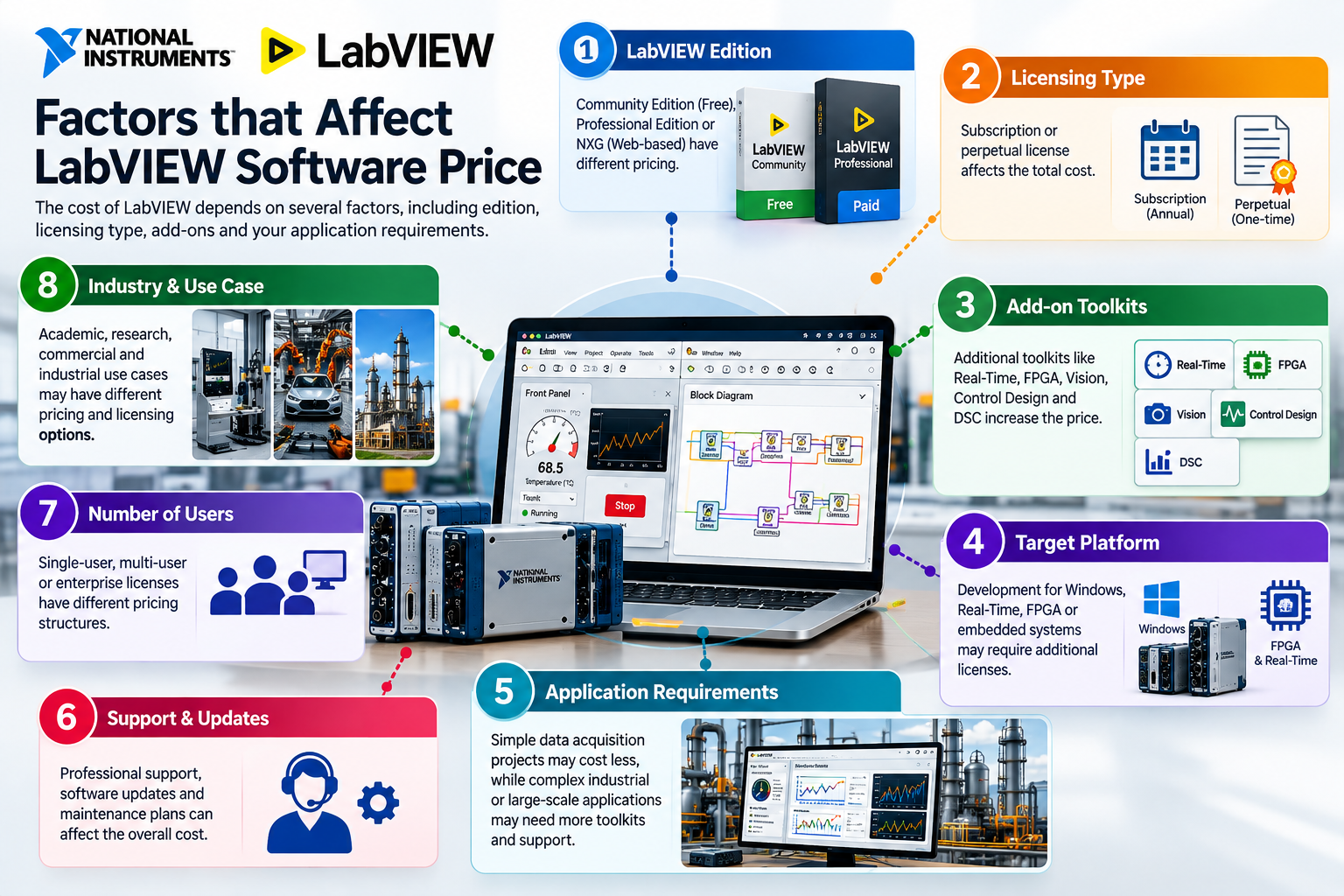
NI does not print one price. The cost depends on these choices:
- Edition: Base costs less than Full, and Full less than Professional.
- Subscription or perpetual: a subscription is paid yearly and must be renewed. A perpetual license keeps working, with software service for the first year. Features are the same.
- Development or deployment: NI says a deployment license is needed to distribute built applications, one per target computer. Whether you need extras depends on the modules you use, so ask NI or your developer.
- Modules, toolkits and seats: add-ons cost extra, and volume licenses start at five seats.
- Where you buy: tax, currency and distributor change the final figure.
US distributor listings for annual subscriptions run from a few hundred dollars (Base) to a few thousand (Professional), and the Suite costs more. Prices in India differ, so ask for a written quote in rupees including GST. NI’s software service covers new and previous version downloads, technical support and the LabVIEW Core 1 course.
One honest note: for a single project, buying Professional and learning LabVIEW can cost more than hiring a developer who already has it. For a team building many systems, owning licenses makes sense.
Comparison
LabVIEW software vs Python, MATLAB and others
| Tool | Strong at | Watch out for |
|---|---|---|
| LabVIEW | Connecting hardware, fast front panels, parallel acquisition and control | Paid license and a learning curve |
| Python | Free, huge libraries, analysis and AI | You build the interface yourself and instrument driver support varies |
| MATLAB | Maths, modelling, signal analysis | Paid, and mostly used for analysis, not shop-floor systems |
Simulink is built for model-based design and simulation, a different job from measurement and test. LabVIEW can call MATLAB code and bring in Python, so many teams do analysis there and use LabVIEW to run the hardware.
Is LabVIEW software right for you?
Skip LabVIEW if
- You only need charts from files you already have. Python does that free.
- You only log data from NI hardware. FlexLogger is free.
- Your project is not tied to real-world signals.
Choose LabVIEW when
You need to connect unusual hardware, build an operator screen quickly, and keep one platform for acquisition, control and reporting.
Learning LabVIEW software: for a LabVIEW tutorial, course or LabVIEW software training, start with NI’s Core 1 course, included with NI’s software service. Real projects also need hardware experience, which is where most beginners get stuck.
Our Experience
LabVIEW software at MeasureMint
We are an Ahmedabad based test, measurement and industrial automation company. Our LabVIEW work includes a 16-channel voltage and current acquisition system sampling at 1 MHz, a pressure impulse testing system at 50 kS/s, and the Vibramint bearing vibration system.
We tell you in advance whether extra runtime or deployment licenses apply to your project. For the licenses themselves, buy from NI or an authorised NI distributor.
FAQ
Frequently asked questions
What is LabVIEW software?
A graphical programming environment from NI for building measurement, test and automation systems by connecting blocks instead of writing text code.
Is LabVIEW software free?
Only in part. The Community Edition is free for personal, non-commercial use, and there is a 7-day trial. Companies need a paid license.
Can I use the LabVIEW Community Edition for my company?
No. NI limits it to personal, non-commercial and non-industrial use.
Where should I download LabVIEW software from?
Only from the official National Instruments (NI) download page. Third-party sites often carry old versions, and cracked copies are a security and legal risk.
How much does LabVIEW software cost in India?
It depends on the edition, license type, modules, seats and distributor. Ask for a written quote in rupees including GST.
Do I need LabVIEW installed to run a LabVIEW application?
Not for a finished executable. The free LabVIEW Runtime Engine runs it. Projects with extra modules or toolkits may need deployment licenses.
Does LabVIEW run on Mac or Linux?
The current editions page lists Windows and Linux. macOS appears for some versions only, so check your version.
What are the system requirements for LabVIEW?
NI’s minimum is 4 GB RAM and 12 GB disk space. 8 GB RAM and a 1366 x 768 screen are recommended.
Is there a LabVIEW student version?
Students can use the Community Edition for personal learning, but not for teaching or research at a degree-granting institution. Colleges use the Academic Volume License.
Is LabVIEW better than Python?
It depends on the job. LabVIEW is stronger for hardware connection and quick operator screens. Python is free and stronger for analysis and AI. Many teams use both.
Need help choosing or building with LabVIEW software?
Tell us what you want to measure or test, and we will tell you honestly which edition and setup fit.
Request a free consultation +91 81400 76697business@measureminttech.in
Free Download
Download the LabVIEW Software Guide PDF
Need help choosing a LabVIEW edition or getting started with installation? Download our free guide for official download resources, edition comparisons, installation and activation steps, system-requirement checks, and common troubleshooting tips.
Download LabVIEW Guide PDFIndependent educational guide. Verify the latest downloads, licensing terms and system requirements on NI’s official website.