When Should Manufacturers Upgrade or Modernize Legacy LabVIEW Applications?

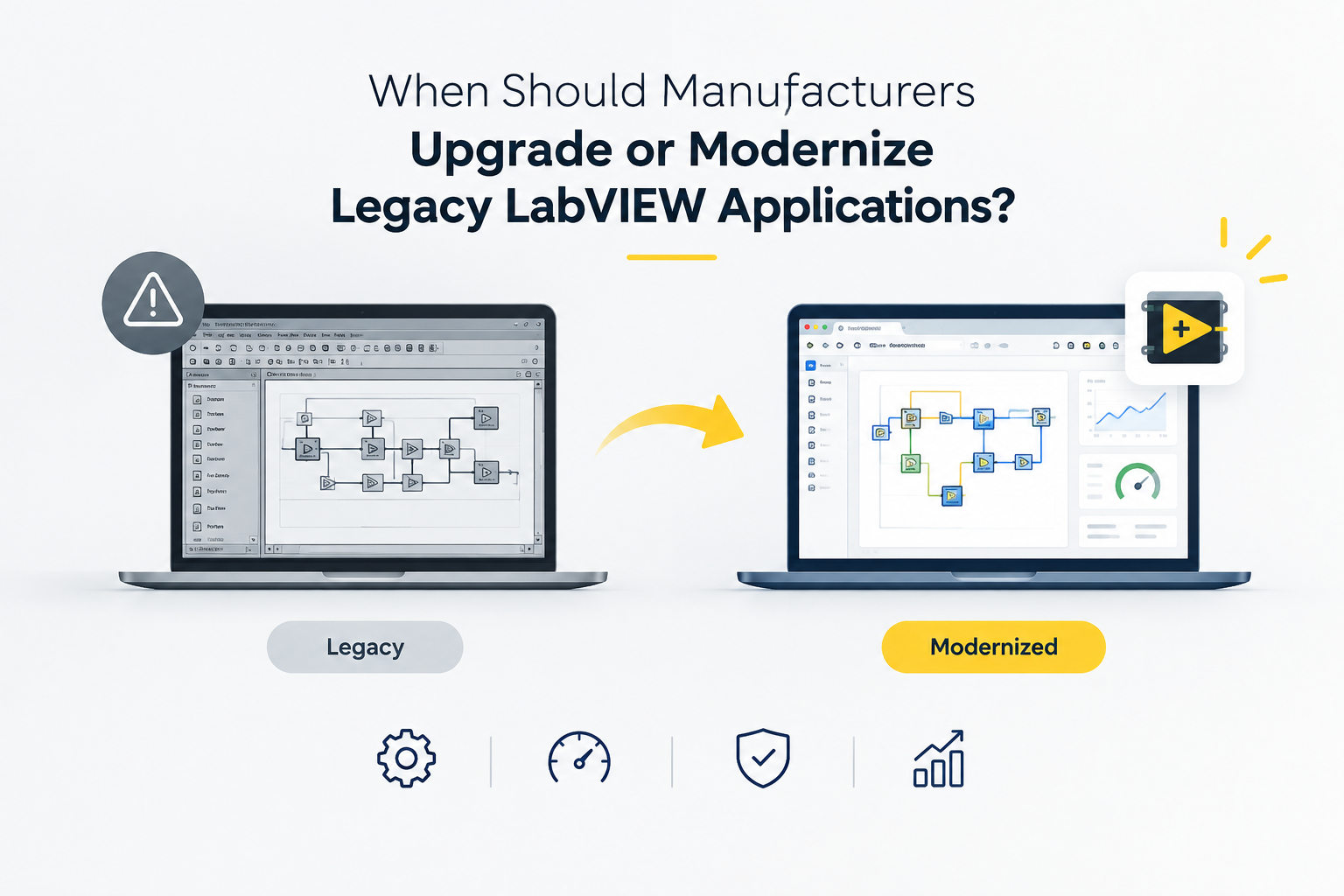
Many manufacturers depend on LabVIEW software for testing, measurement, data collection and industrial automation. In many cases, these applications have been running successfully for years. They become an important part of daily production and testing operations.
However, as manufacturing requirements change, an old LabVIEW application can start creating problems. New instruments may not work properly with the existing system. Testing may become slower. Software maintenance may become difficult. Sometimes, only one person in the organization understands how the application works.
At this point, manufacturers need to decide whether they should continue maintaining the existing application, upgrade it or modernize the complete system.
For manufacturing companies in Ahmedabad, Vadodara, Surat, Rajkot, Gandhinagar, Sanand, Vapi and other industrial areas of Gujarat, making the right decision can help improve testing reliability and prepare the system for future requirements.
What Is a Legacy LabVIEW Application?
A legacy LabVIEW application is an existing LabVIEW software system that has been in use for a long period and may depend on older software, hardware, drivers or programming methods.
The application may still work, but that does not always mean it is ready for current manufacturing requirements.
Some common characteristics of a legacy LabVIEW application include:
- An older LabVIEW version
- Outdated hardware or drivers
- Difficult to maintain programming
- Limited documentation
- Slow application performance
- Problems when connecting new instruments
- Difficulty adding new testing features
- Frequent software errors
- Dependence on an individual developer for maintenance
A legacy application does not always need to be replaced. In many situations, the existing LabVIEW software can be improved and extended.
7 Signs That Your LabVIEW Application Needs an Upgrade
1. The Application Frequently Crashes
Frequent crashes, freezes or unexpected errors can interrupt testing and production.
If operators regularly need to restart the application or computer, it may be time to review the software architecture and dependencies.
2. New Hardware Is Difficult to Integrate
Manufacturing systems change over time. New sensors, instruments, DAQ devices, PLCs or other equipment may need to be added.
If your existing application cannot easily communicate with new hardware, modernization may be worth considering.
LabVIEW can be used with NI DAQ, CompactDAQ, CompactRIO, PXI, PLCs, sensors, vision systems and third party instruments depending on the project requirements.
3. Testing Has Become Slower
A system that worked well when production was smaller may become a limitation when production increases.
If operators are spending more time waiting for measurements, entering results manually or repeating tests because of software issues, the application should be reviewed.
4. The Software Is Difficult to Modify
Older LabVIEW programming can become difficult to understand when the original development team is no longer available.
If even a small change requires significant development time, the application may benefit from better architecture and documentation.
5. Your LabVIEW Version or Drivers Are Outdated
Older software versions and drivers can create compatibility problems with newer operating systems and hardware.
Before making a major change, manufacturers should review the existing software, hardware, drivers and application dependencies.
6. You Cannot Easily Add New Testing Requirements
Manufacturing processes often change. A company may introduce a new product, add new measurements or require additional quality checks.
If your existing LabVIEW software cannot easily accommodate these changes, modernization may provide a more flexible foundation.
7. Important Knowledge Exists With Only One Person
This is a common risk in older industrial applications.
If only one developer or engineer knows how the LabVIEW software works, the company may face difficulties when that person becomes unavailable.
Proper documentation, modular programming and structured software development can reduce this dependency.
LabVIEW Upgrade vs LabVIEW Modernization
Upgrade and modernization are related, but they are not exactly the same.
A LabVIEW upgrade usually focuses on improving the existing application while keeping much of the current structure.
For example, the application may need a newer LabVIEW version, updated drivers or support for newer hardware.
Modernization takes a wider approach.
It may involve reviewing the application architecture, improving the user interface, reorganizing LabVIEW programming, updating hardware communication, improving data handling and making the system easier to maintain.
The right approach depends on the condition of the existing system.
When Should Manufacturers Upgrade Their LabVIEW Software?
An upgrade may be suitable when the existing application is generally stable but needs improvements.
For example:
- The current software works correctly but needs newer hardware support
- Drivers need to be updated
- The LabVIEW version needs to be changed
- Small features need to be added
- Performance needs improvement
- Reporting needs to be improved
- Communication with an instrument needs to be updated
In these situations, upgrading the existing system can be more practical than rebuilding everything.
When Is Complete LabVIEW Modernization Better?
Modernization becomes more attractive when the existing application has structural problems.
This can include:
- Poor software architecture
- Difficult to understand code
- Frequent failures
- Outdated hardware dependencies
- Poor data management
- Difficult maintenance
- Major changes in the production process
- Requirements for future expansion
Instead of continuously fixing individual problems, modernization can provide a cleaner foundation for future development.
Benefits of Modernizing Legacy LabVIEW Applications
A properly planned modernization project can provide several benefits.
Better Software Stability
Improving the application structure can reduce errors and make the system easier to maintain.
Easier Hardware Integration
Modern LabVIEW applications can be designed to communicate with measurement hardware, sensors, PLCs and instruments according to the requirements of the testing system.
Faster Testing
Software optimization and automation can reduce unnecessary manual steps and improve the overall testing workflow.
Better Data Collection
LabVIEW can be used for real time data acquisition, visualization, monitoring and structured data storage.
Easier Future Development
A modular application is easier to modify when new products, instruments or testing requirements are introduced.
Better Documentation
Modernization is also an opportunity to document the application properly so future engineers can understand and maintain it.
What Should Manufacturers Check Before Modernizing a LabVIEW Application?
Before starting a project, review the complete testing environment.
Consider:
- Current LabVIEW version
- Existing source code
- Hardware and instruments
- Drivers
- Operating system
- Communication protocols
- Data storage
- Testing workflow
- Application performance
- Existing documentation
- Future testing requirements
This assessment helps determine whether the application needs a simple upgrade, partial modernization or a complete redevelopment.
A Practical Process for LabVIEW Application Modernization
A structured process can make modernization easier.
Step 1: Review the Existing Application
Understand how the current LabVIEW software works and identify its major limitations.
Step 2: Review Hardware and Communication
Check the instruments, DAQ systems, sensors, PLCs and communication protocols used by the application.
Step 3: Identify Problems
Document software errors, performance issues, maintenance problems and missing functionality.
Step 4: Define Future Requirements
Decide what the application needs to support over the next few years.
Step 5: Plan the Software Architecture
Develop a clear structure that makes future changes easier.
Step 6: Develop and Test
Upgrade or redesign the required parts of the application and validate them against the manufacturing requirements.
Step 7: Document and Support
Provide proper documentation, training and technical support so the manufacturer is not dependent on one person.
LabVIEW Modernization for Manufacturers Across Gujarat
Gujarat has a strong manufacturing and engineering base, with industrial activity across Ahmedabad, Vadodara, Surat, Rajkot, Gandhinagar, Sanand, Vapi and Bharuch.
Manufacturers using automated testing, measurement systems, data acquisition and industrial automation may eventually need to update their existing software as their production requirements change.
For these companies, modernizing an existing LabVIEW application can be a practical way to improve the current system without automatically replacing the entire testing setup.
MeasureMint Technologies provides LabVIEW software development services for manufacturers, R&D teams and system integrators across Gujarat and other markets. Its services include legacy LabVIEW application upgrades, software optimization, automated test equipment, EOL testing, data acquisition and hardware integration.
How LabVIEW Programming Supports Modern Manufacturing Systems
Good LabVIEW programming is not only about making the application work.
The software should also be easy to understand, maintain and expand.
A well planned LabVIEW application can help manufacturers manage testing workflows, communicate with instruments, collect measurement data, generate reports and support automated testing.
The exact design depends on the equipment and process requirements of each manufacturer.
How to Choose a LabVIEW Software Development Partner
If you are planning to upgrade an old LabVIEW application, look beyond basic programming experience.
A suitable development partner should understand:
- LabVIEW software development
- Industrial testing
- Data acquisition
- Automated Test Equipment
- End of Line testing
- Instrument integration
- PLC communication
- Industrial protocols
- Existing application analysis
- Software optimization
- Testing and validation
- Long term support
MeasureMint Technologies offers custom LabVIEW software development, automated testing, data acquisition, hardware integration, legacy application upgrades and technical support.
Frequently Asked Questions
How do I know if my LabVIEW application is outdated?
An application may need attention if it depends on old software or hardware, has frequent errors, is difficult to modify or cannot easily support new testing requirements.
Can an old LabVIEW application be upgraded instead of rebuilt?
Yes. If the existing architecture is suitable, selected parts of the application can often be upgraded and improved instead of rebuilding the complete system.
Can legacy LabVIEW software work with new hardware?
It depends on the existing LabVIEW version, drivers, hardware and communication requirements. A technical assessment should be completed before selecting an upgrade approach.
What are the benefits of upgrading LabVIEW software?
An upgrade can improve compatibility, performance, maintainability and support for newer hardware or testing requirements.
Can LabVIEW modernization improve manufacturing testing?
Yes. A properly designed system can help automate testing, improve data collection, integrate instruments and make future changes easier.
Can LabVIEW integrate with PLCs and industrial instruments?
Yes. LabVIEW applications can be developed for communication with PLCs, Modbus, OPC UA, CAN and various measurement instruments depending on the system requirements.
Do you provide LabVIEW modernization services in Gujarat?
Yes. MeasureMint Technologies provides LabVIEW software development and legacy application upgrade services in Gujarat, including Ahmedabad and other industrial locations.
Is modernization better than replacing the complete system?
Not always. The right choice depends on the condition of the existing software, hardware, testing requirements and future plans. A technical assessment should be completed before making the decision.